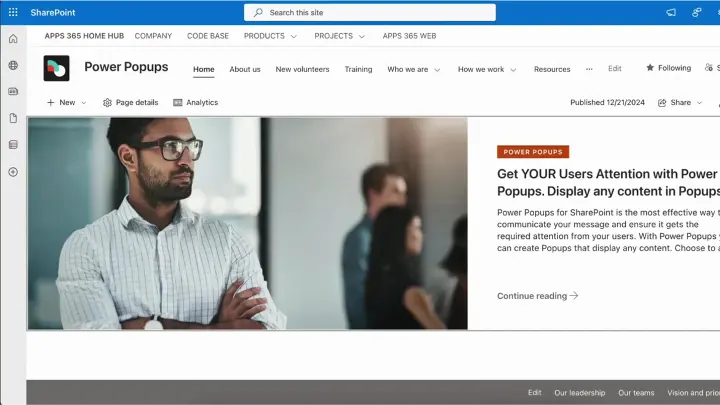
Attention-grabbing popups SharePoint cannot do natively.
SharePoint
from £999 a year

 Image Maps
 NavPilot
 Advanced Tabs
 HTMLPoint
 Power Popups
 Alerts Fusion
 Short URL
 QR Code Drop
 DirectoryPoint
 HRPoint
 OnboardPoint
 GovernPoint
 ExposurePoint
 UsagePoint
 ExpiryPoint
 Handover Pro
 EquipPoint
Scan a QR code, send files straight to SharePoint.
Put a QR code on a wall, a letter or a label. Anyone who scans it can answer a few questions and send photos and files, which land in your SharePoint library with the answers in its columns.
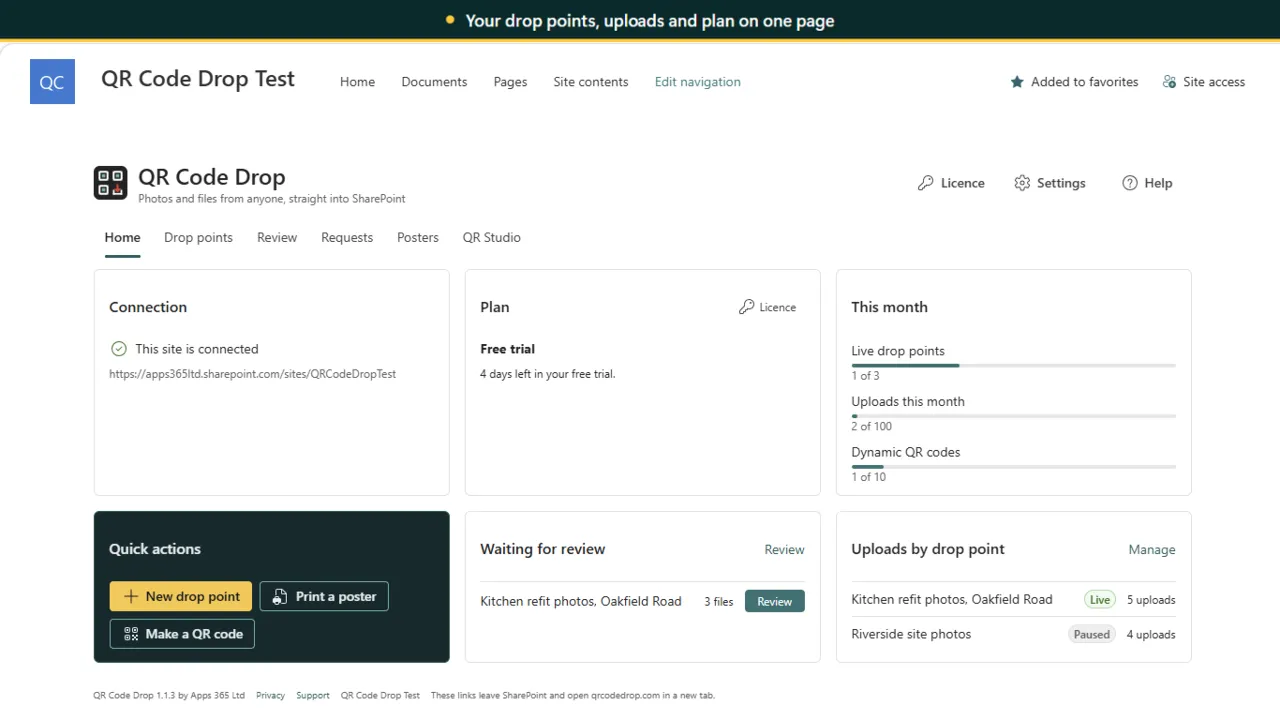
Your drop points, uploads and plan on one page
QR Code Drop turns a SharePoint folder into a drop point. Choose the library, the folder and the questions, print the QR code, and anyone can scan it with a phone, answer the questions and send photos or files with no sign-in and no app to install. The files land in your folder with the answers written into your library columns. Files go straight to your SharePoint and are never stored by us.
Start from site photos, defect reports, event photos, new starter documents or evidence from residents, with a live picture of the upload page.
Questions write to text, choice, date, number and yes or no columns, and fixed values such as a project are set for people.
Set file types, sizes and counts, an end date and an upload cap. Files that break the rules go to a _Quarantine folder.
A Review tab with thumbnails and answers, and Approve or Reject, before uploads reach the folder.
Send links to named people with their details filled in, a due date and reminders, and see who has sent their files.
Print posters and table tents, and design any QR code: colours, shapes, logos, frames, dynamic codes with scan counts and bulk codes.
A short look at the app working, on real screens.
Site owners · Facilities and operations · Project teams · HR teams
14-day free trial. Annual pricing in pounds, excluding VAT, with updates and support included.
Also included in Workplace Pack and All Access.
Bigger than the largest plan? Ask us for a quote. Full details on qrcodedrop.com, or compare all prices.
Yes. With QR Code Drop, anyone who scans the QR code can answer a few questions and send photos or files with no sign-in and no app. Files land in the SharePoint folder you chose, with the answers in its columns, and are never stored by APPS 365.
SharePoint plans are Site GBP 299, Team GBP 899 and Tenant GBP 2,499 a year, excluding VAT, priced by drop points and uploads rather than users.
Attention-grabbing popups SharePoint cannot do natively.
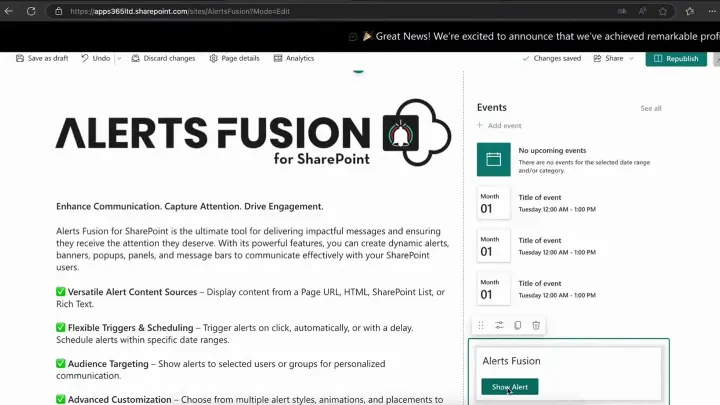
Messages that cannot be missed.
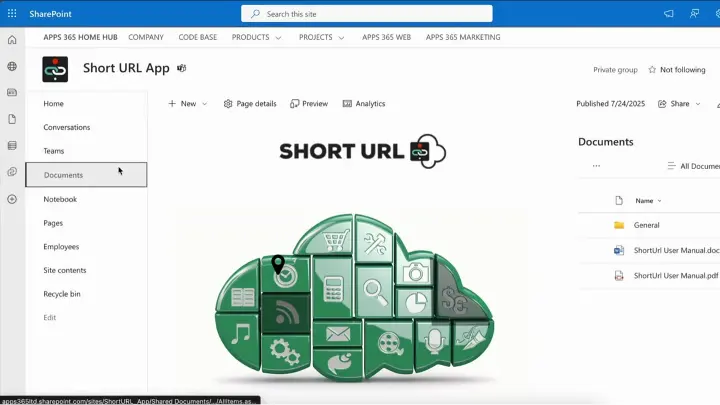
Branded, trackable short links native to Microsoft 365.