
Search all apps
Navigation and pages
Image Maps iconImage Maps NavPilot iconNavPilot Advanced Tabs iconAdvanced Tabs HTMLPoint iconHTMLPoint
Communications and sharing
Power Popups iconPower Popups Alerts Fusion iconAlerts Fusion Short URL iconShort URL QR Code Drop iconQR Code Drop
People and HR
DirectoryPoint iconDirectoryPoint HRPoint iconHRPoint OnboardPoint iconOnboardPoint
Copilot and governance
GovernPoint iconGovernPoint ExposurePoint iconExposurePoint UsagePoint iconUsagePoint
Records and assets
ExpiryPoint iconExpiryPoint Handover Pro iconHandover Pro EquipPoint iconEquipPoint
Explore
All apps Packs and All Access Productivity Pack Pricing Why APPS 365 Contact Product Tour Book a free demo

SharePoint communication and sharing apps

SharePoint communication and sharing apps get messages seen and content moving. Modern SharePoint has no native popup or modal, so Power Popups and Alerts Fusion from APPS 365 add targeted, scheduled messages. Short URL App creates branded links, and QR Code Drop lets anyone send photos and files into a library.

Updated

Compare communication and sharing apps

AppBest forWorks inFrom, per year
Power Popups iconPower Popups Show targeted popups and panels SharePoint £999
Alerts Fusion iconAlerts Fusion Publish banners and alerts people cannot miss SharePoint £999
Short URL iconShort URL Create branded, trackable short links SharePoint, Teams, Power Automate £1,999
QR Code Drop iconQR Code Drop Collect photos and files by QR code SharePoint, Teams £299
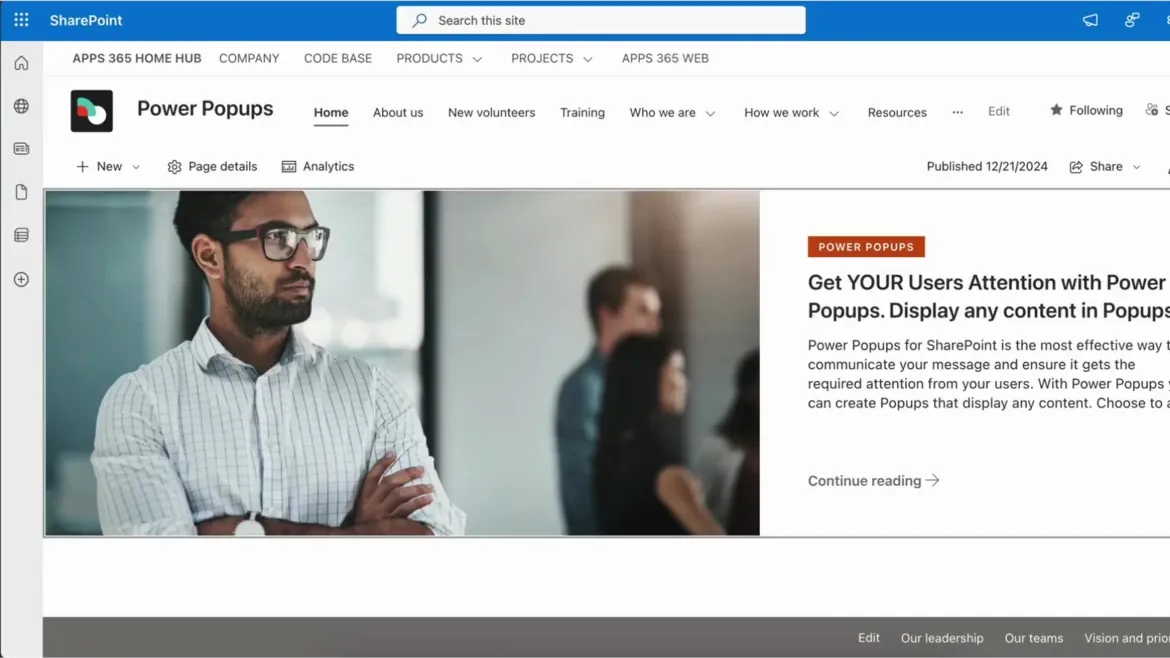
Power Popups: A popup on a SharePoint page

Attention-grabbing popups SharePoint cannot do natively.

  • Popups and panels. Modal popups and slide-in side panels, from a page URL, HTML or rich text.
  • Flexible triggers. Fire on click, after a delay, or on page load.
  • Audience targeting. Show messages only to the users and groups who need them.
from £999 a year
SharePoint
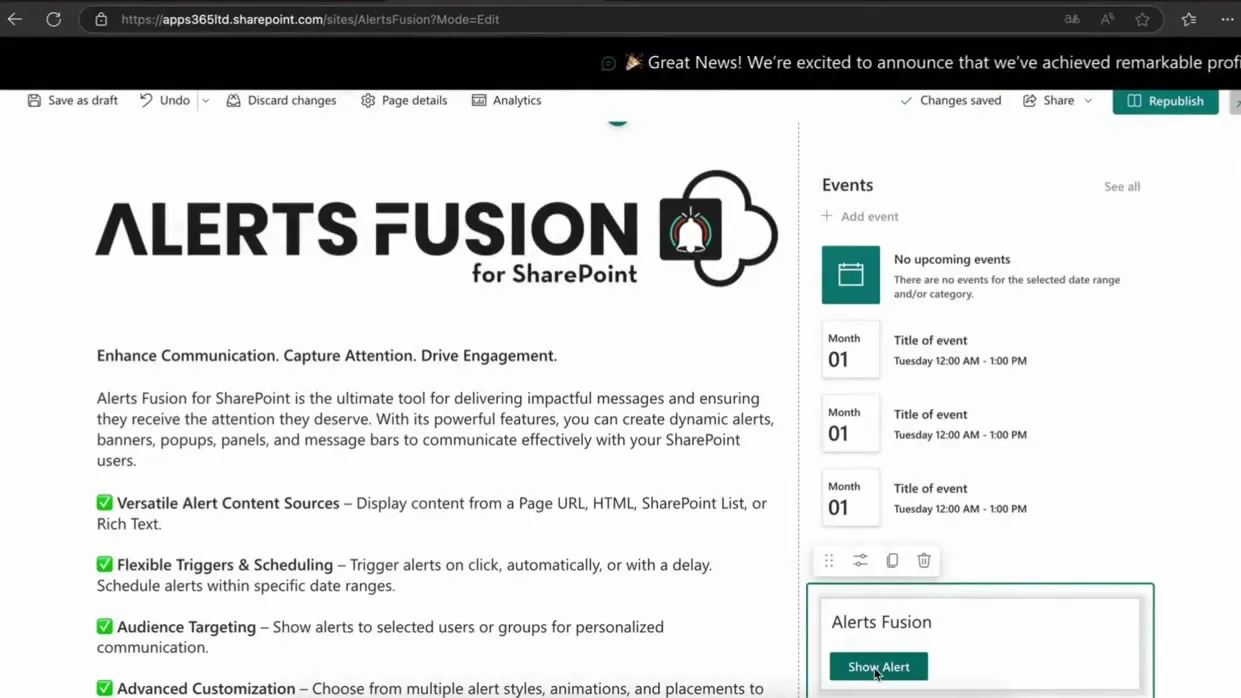
Alerts Fusion: An alert banner across a page

Messages that cannot be missed.

  • Multi-format delivery. Banners, message bars, popups, panels, standard alerts and a carousel from one tool.
  • Four content sources. Page URL, HTML, a SharePoint List, or rich text.
  • Audience targeting. Reach everyone, or only the users and groups who need the message.
from £999 a year
SharePoint
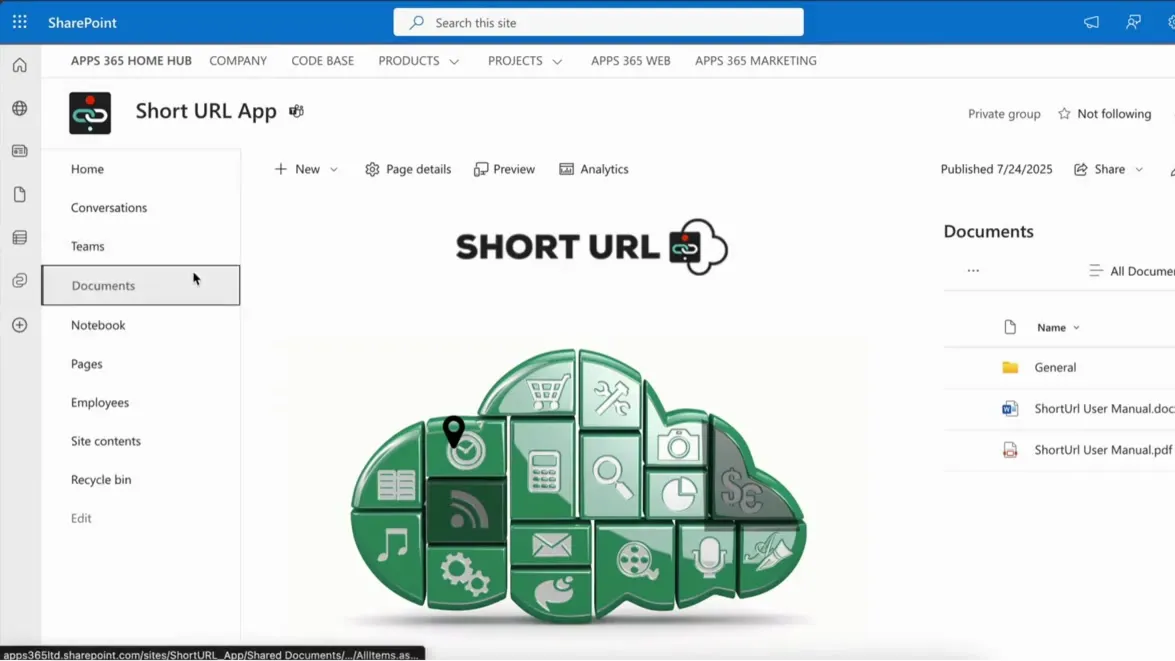
Short URL: Short URL App in SharePoint

Branded, trackable short links native to Microsoft 365.

  • Three Microsoft surfaces. An SPFx solution for SharePoint Online, a Teams app and a Power Automate connector.
  • Custom branded links. Create memorable, on-brand short URLs for any internal or external destination.
  • Detailed analytics. Track clicks by country, referrer, browser and operating system.
from £1,999 a year
SharePointTeamsPower Automate
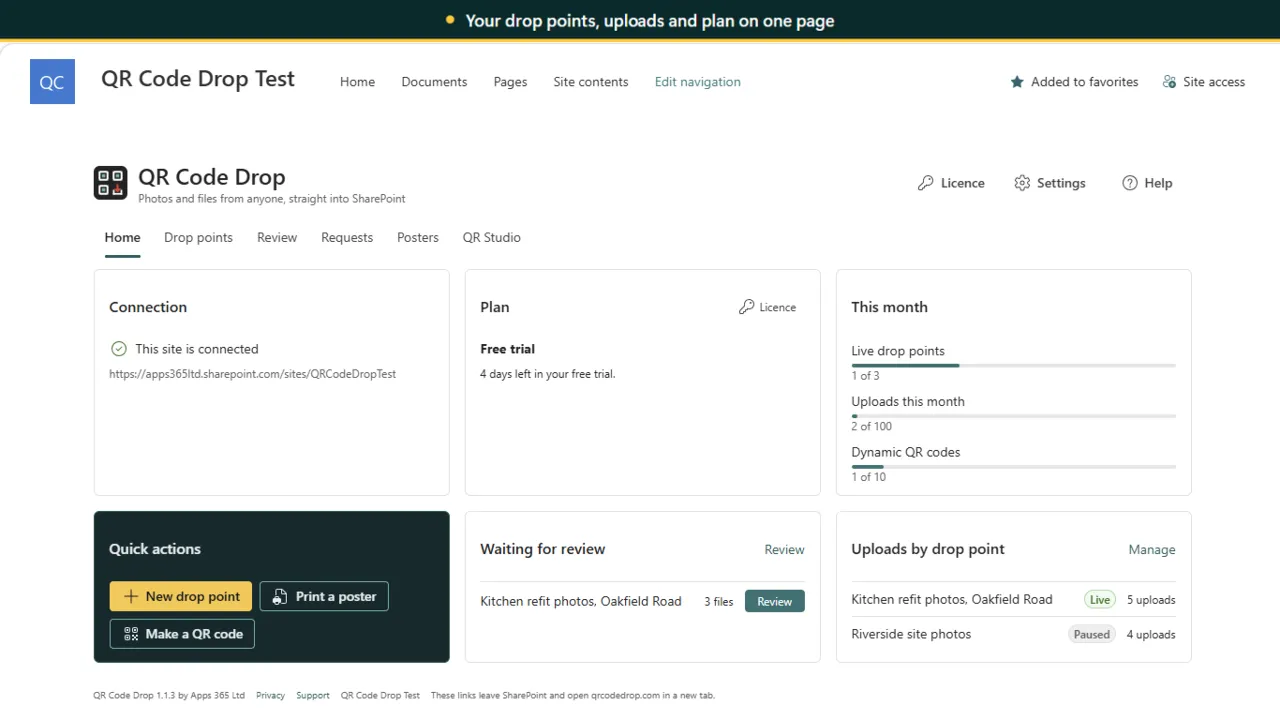
QR Code Drop: Your drop points, uploads and plan on one page

Scan a QR code, send files straight to SharePoint.

  • Drop points in about two minutes. Start from site photos, defect reports, event photos, new starter documents or evidence from residents, with a live picture of the upload page.
  • Answers fill your columns. Questions write to text, choice, date, number and yes or no columns, and fixed values such as a project are set for people.
  • Rules and quarantine. Set file types, sizes and counts, an end date and an upload cap. Files that break the rules go to a _Quarantine folder.
from £299 a year
SharePointTeams

SharePoint communication and sharing apps: questions, answered

How do I make sure staff see important SharePoint announcements?

Use a message people have to notice, targeted at the right audience. Alerts Fusion publishes banners, message bars, popups and panels, and Power Popups adds targeted modal popups with scheduling and limits on how often each person sees them.

What is the difference between Power Popups and Alerts Fusion?

Alerts Fusion is a multi-format announcements tool: banners, bars, panels, popups and carousels from several content sources. Power Popups focuses on high-impact popups and slide-in panels with calls to action.

Can I create short links in Microsoft 365?

Yes. Short URL App turns long SharePoint links into branded short links with analytics and QR codes, and includes a Teams app and a Power Automate connector.

How can people upload files to SharePoint without an account?

QR Code Drop lets anyone scan a QR code, answer a few questions and send photos or files with no sign-in and no app. Files land in your SharePoint folder with the answers in its columns, and are never stored by APPS 365.

Not sure which app fits? See them in a demo

Book a free demo

See the apps on a real SharePoint site, with one of our UK team.

  • 30 minutes
  • Online video call
  • No obligation