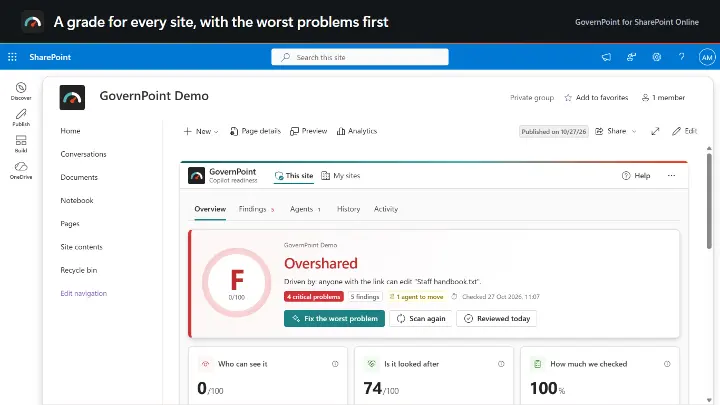
Find and fix SharePoint oversharing before Copilot does.
SharePointTeams
from £1,950 a year

 Image Maps
 NavPilot
 Advanced Tabs
 HTMLPoint
 Power Popups
 Alerts Fusion
 Short URL
 QR Code Drop
 DirectoryPoint
 HRPoint
 OnboardPoint
 GovernPoint
 ExposurePoint
 UsagePoint
 InvitePoint
 ExpiryPoint
 Handover Pro
 EquipPoint
 TidyPoint
 DisposalPoint
Every guest, vouched for: who, why and until when.
InvitePoint keeps a register of the people outside your organisation who can get into each SharePoint site and Microsoft Teams team. Sponsors confirm on a schedule, site owners remove access with a check of what is left, and every decision goes into a dated evidence log.
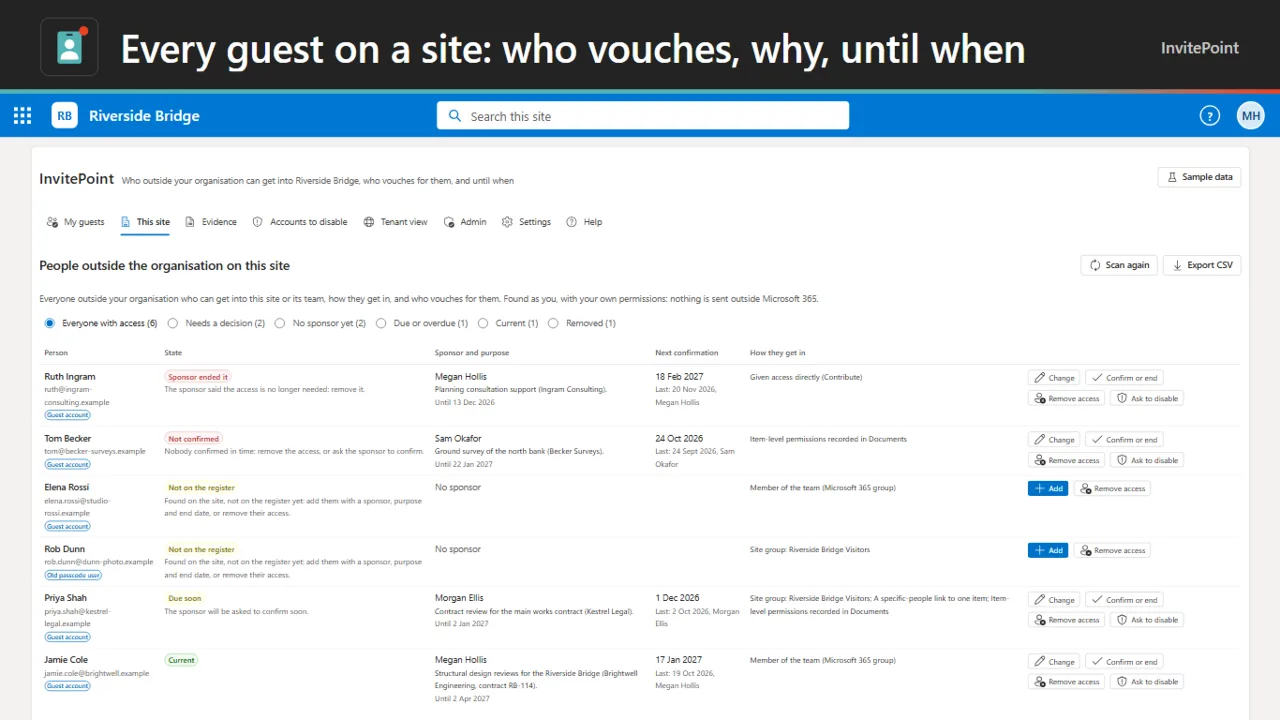
Every guest on a site: who vouches, why, until when
InvitePoint keeps a register of the people outside your organisation who can get into each SharePoint site and Microsoft Teams team: who inside vouches for them, why, and until when. Each person gets a sponsor, a purpose and an end date. Sponsors confirm on a schedule, site owners remove access and InvitePoint checks what is left, and every decision is logged with the date. Its core runs with each person's own SharePoint permissions and needs no admin consent, and it never invites anyone or changes an account.
Scan finds everyone outside the organisation who can get into a site, and how: site groups, sharing links, item-level permissions, direct permissions and team membership.
Each person gets a sponsor inside, a purpose and an end date, and the sponsor confirms every 30 to 365 days, 90 by default.
My guests lists everyone a sponsor vouches for, most urgent first. Each answer, still needed or end the access, is a dated entry with who and when.
The steps are shown first and taken with your own permissions, then SharePoint is asked what the person can still open. On a team site the plan includes the team.
A dated evidence log, CSV exports and an evidence report. Guest accounts that should go are sent to your Entra administrator, who records the outcome.
The InvitePoint runner, a Power Automate flow you import and own, emails sponsors when confirmations fall due and tells site contacts about people nobody confirmed.
A short look at the app working, on real screens.
Site owners · Team owners · IT teams · Entra administrators
14-day free trial. Annual pricing in pounds, excluding VAT, with updates and support included.
Also included in All Access and IT and Copilot Pack.
Bigger than the largest plan? Ask us for a quote. Full details on invitepoint.app, or compare all prices.
InvitePoint keeps a register of the people outside your organisation who can get into each SharePoint site and Microsoft Teams team, each with a sponsor inside, a purpose and an end date. Sponsors confirm on a schedule, and every decision goes into a dated evidence log.
No. A site owner chooses Remove access and sees the steps first, then InvitePoint checks what the person can still open. Its runner only reminds sponsors and tells site contacts: it never removes anyone and never changes an account.
Not for its core, which runs as the signed-in person with their own SharePoint permissions. The optional tenant view uses two read-only Microsoft Graph permissions, User.Read.All and AuditLog.Read.All, which a Global Administrator approves or leaves unapproved.
GBP 499 a year for one site, GBP 999 for up to 10 sites or one site collection, GBP 2,999 for every site in a tenant and GBP 4,999 for Tenant Plus, excluding VAT, with unlimited guests and sponsors and 30 percent off for education and charities.
Find and fix SharePoint oversharing before Copilot does.
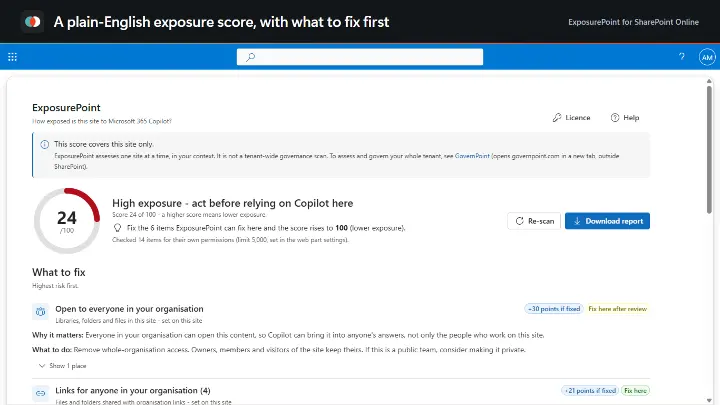
See what Copilot can see. Fix what matters first.
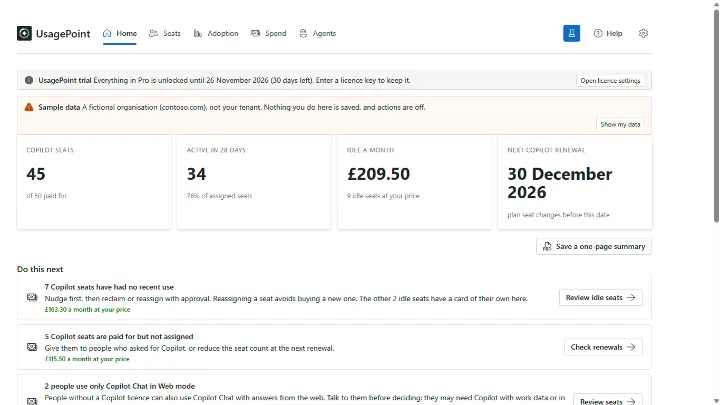
Know which Copilot seats are used before you renew.