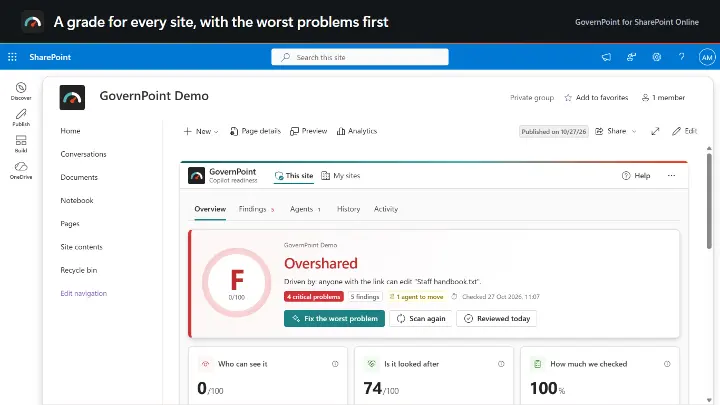
Find and fix SharePoint oversharing before Copilot does.
SharePointTeams
from £1,950 a year

 Image Maps
 NavPilot
 Advanced Tabs
 HTMLPoint
 Power Popups
 Alerts Fusion
 Short URL
 QR Code Drop
 FollowPoint
 DirectoryPoint
 HRPoint
 OnboardPoint
 GovernPoint
 ExposurePoint
 UsagePoint
 InvitePoint
 VerifyPoint
 AgentPoint
 ExpiryPoint
 Handover Pro
 EquipPoint
 TidyPoint
 DisposalPoint
Every page has an owner. And a date someone checked it.
Give SharePoint pages, documents and libraries a named owner and a review date. Readers see who verified a page and when, owners are reminded when reviews fall due, and out-of-date content retires into an archive library kept out of search.
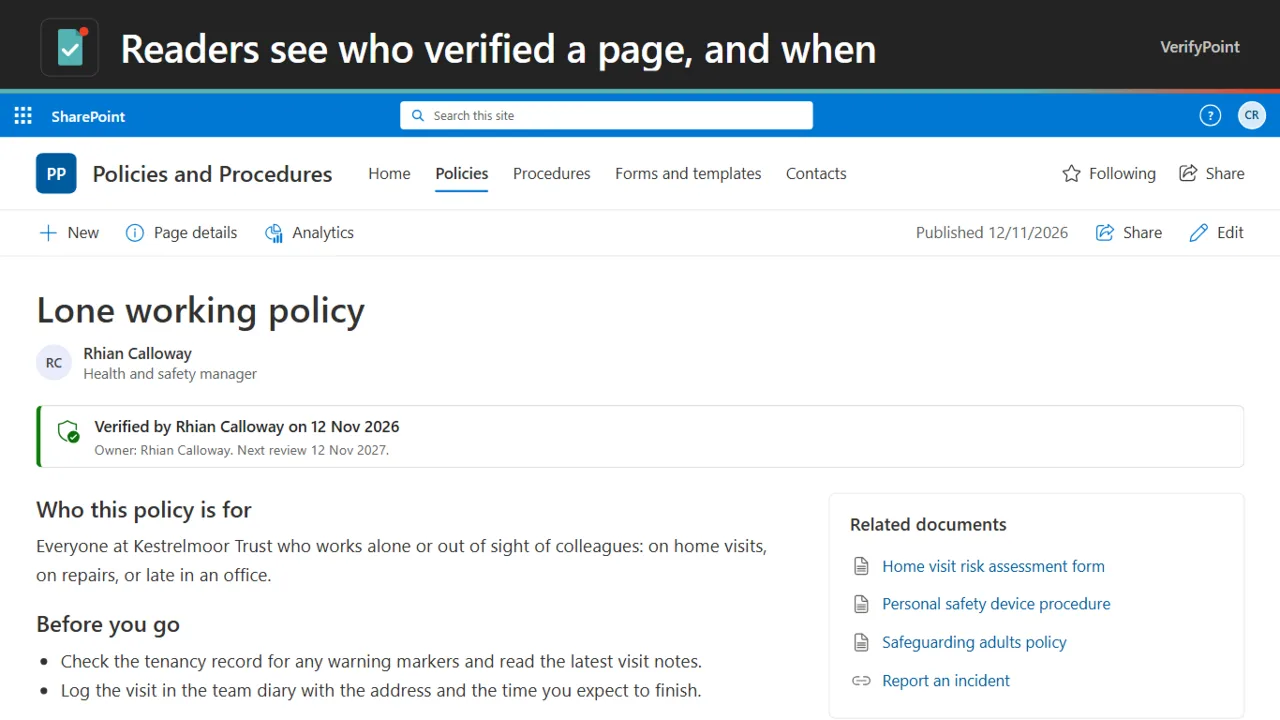
Readers see who verified a page, and when
VerifyPoint gives SharePoint pages, documents and libraries a named owner and a review date. Microsoft 365 Copilot and agents answer from whatever SharePoint holds, including pages nobody has looked at for years. VerifyPoint shows readers who verified a page and when, reminds owners when reviews fall due, and retires what is out of date into an archive that search and Copilot do not use. Verifying never changes the content itself, and VerifyPoint asks for no Microsoft Graph permission and no admin consent.
Everything an owner looks after across your registered sites, overdue first, then due in the next 30 days.
Confirm a page, document or library is current. VerifyPoint records who and when and sets the next review from its cycle of 1, 3, 6, 12 or 24 months, without changing the content.
"Verified by" a named person on a date, the owner and the next review, on the page itself. An overdue review says so, unless a site owner hides that from readers.
Retire moves an out-of-date page or document into an archive library, so search, Microsoft 365 Copilot and agents stop finding it, with its history and permissions kept. Restore puts it back.
Of the pages and documents search can reach on each registered site, how many were verified in the last 12 months.
The VerifyPoint runner, a Power Automate flow you import and own, emails each owner a monthly or weekly list of what is overdue or due soon.
A short look at the app working, on real screens.
Content owners · Site owners · Intranet teams · Copilot rollout leads
Search and Copilot take minutes to hours to catch up after a retire or a restore. For a full document review programme with approval stages, see ExpiryPoint.
14-day free trial. Annual pricing in pounds, excluding VAT, with updates and support included.
Also included in All Access and IT and Copilot Pack.
Bigger than the largest plan? Ask us for a quote. Full details on verifypoint.app, or compare all prices.
VerifyPoint gives each tracked page, document or library a named owner and a review cycle of 1, 3, 6, 12 or 24 months. Owners verify in one click, readers see who verified it and when on the page, and owners get a digest of what is due.
No. VerifyPoint records who verified an item and when in its own register, so the content gets no new version and no new modified date.
GBP 499 a year for one site, GBP 999 for one site collection and all its sites, GBP 2,999 for every site in a tenant and GBP 4,999 for Tenant Plus, excluding VAT, with unlimited items, owners and readers and 30 percent off for education and charities.
Find and fix SharePoint oversharing before Copilot does.
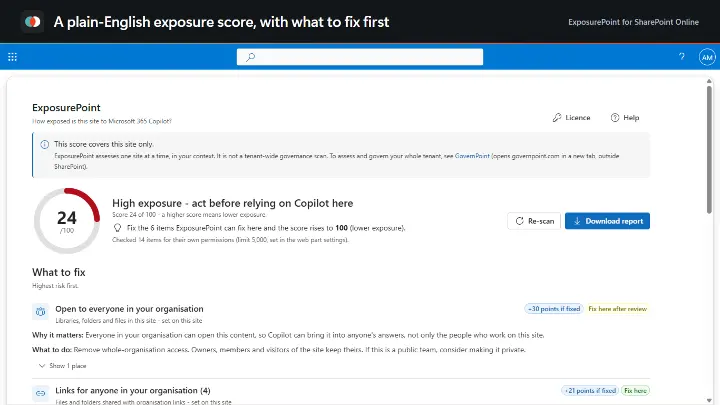
See what Copilot can see. Fix what matters first.
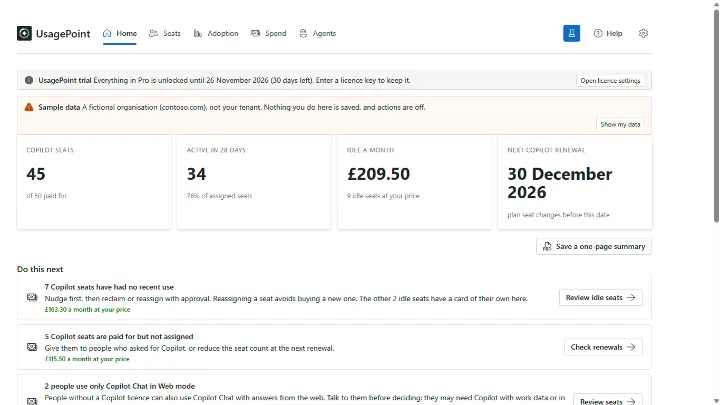
Know which Copilot seats are used before you renew.