 Image Maps
 NavPilot
 Advanced Tabs
 HTMLPoint
 Power Popups
 Alerts Fusion
 Short URL
 QR Code Drop
 FollowPoint
 DirectoryPoint
 HRPoint
 OnboardPoint
 GovernPoint
 ExposurePoint
 UsagePoint
 InvitePoint
 VerifyPoint
 AgentPoint
 ExpiryPoint
 Handover Pro
 EquipPoint
 TidyPoint
 DisposalPoint
What UK law asks employers to do
You must check that someone is allowed to work for you in the UK before they start. Doing a prescribed check correctly, before work begins, gives you a statutory excuse against a civil penalty if the person turns out not to have the right to work.
- Use a prescribed method. A manual check of the original documents, a Home Office online check with a share code, or a check through a Right to Work digital verification service provider (RtW DVSP) registered with the Office for Digital Identities and Attributes.
- Do not insist on one method. You must not require someone to prove their right to work in a particular way, or treat them differently because of the method they need to use.
- Copy it and date it. Keep a clear copy in a format that cannot be altered, such as a PDF, and a record of the date of the check. Writing a date on the copy on its own is not enough.
- Keep it, then destroy it. Keep the copies securely for the length of employment and for 2 years afterwards, then securely destroy them.
- Follow up. If permission is time-limited, check again when it is due to expire.
If you employ someone who does not have the right to work and you did not make the correct checks, the civil penalty is up to £60,000 for each illegal worker.
What changed on 1 October 2026
From 1 October 2026, the Right to Work Scheme and its civil penalties cover a wider range of working arrangements, not only employees. They now also apply where an organisation:
- engages someone under a worker's contract, to do work or services personally,
- engages an individual sub-contractor, or
- runs an online matching service that gives clients or customers the details of individual service providers.
The changes are not retrospective: they do not create liability for arrangements entered into before 1 October 2026. Where people are supplied through another business or a contract allows a substitute, the Home Office checklist sets out the written terms, substitution controls and identity checks you need. So it is worth listing the people who work for you who are not employees, and how each one was checked.
Which check to use
The right method depends on the person and their documents. The Home Office checklist and employer's guide have the full lists of acceptable documents.
| Person | Check | Follow-up |
|---|---|---|
| A British or Irish citizen with a passport | A manual check of the passport, current or expired, or a check through an RtW DVSP | None needed |
| Someone with an eVisa | A Home Office online check, with their share code and date of birth | If their permission is time-limited, before it ends |
| Someone with a biometric residence card or permit | Not acceptable any more: ask for a share code and use the online check | As for an eVisa |
| Someone who cannot show their documents, for example with an application or appeal outstanding | Ask the Home Office Employer Checking Service to confirm their right to work | Within 6 months, when the excuse from that check ends |
How to keep right to work records in Microsoft 365
- Use a place only HR can open. A separate SharePoint site or library for right to work records, with sharing outside the organisation turned off, rather than a folder in a shared HR site.
- Save copies as PDF. Keep the profile page from a Home Office online check as a PDF or HTML copy. For a manual check, copy the original documents to PDF after you have checked them with the person present.
- Record the check, not just the file. A list or columns for the method, the date, who made the check, the document type and, where permission is time-limited, the follow-up date.
- Set follow-up reminders. A Power Automate flow can email HR a few weeks before each follow-up date, so no check is missed.
- Delete on time. Copies must be destroyed 2 years after employment ends. Microsoft Purview retention labels can keep a file for a set period and then delete it, and event-based retention can start that period when someone leaves, so check your licence includes them.
- Never email the copies around. Share a link to the record with the people who need it, so there is one copy under your retention rules.
A right to work checklist for HR
Give each step an owner and a date, counted from the start date.
Before the start date
- HR ask which check suits the person, and accept any prescribed method they can use
- HR make the check and confirm they may do the work offered, including any limit on hours
- HR save the copy as a PDF and record the date and who made the check
- Manager do not let work begin until HR confirms the check is done
When permission is time-limited
- HR record the date permission ends and set a follow-up reminder
- HR repeat the check before that date and save the new copy
- HR if the person cannot show their right to work, ask the Home Office Employer Checking Service
For people who are not employees
- HR list workers, individual sub-contractors and people found through online matching services
- HR check the written terms and substitution controls for people supplied by another business
When someone leaves
- HR record the leaving date against the check
- HR destroy the copies 2 years after employment ends
How HRPoint and OnboardPoint help
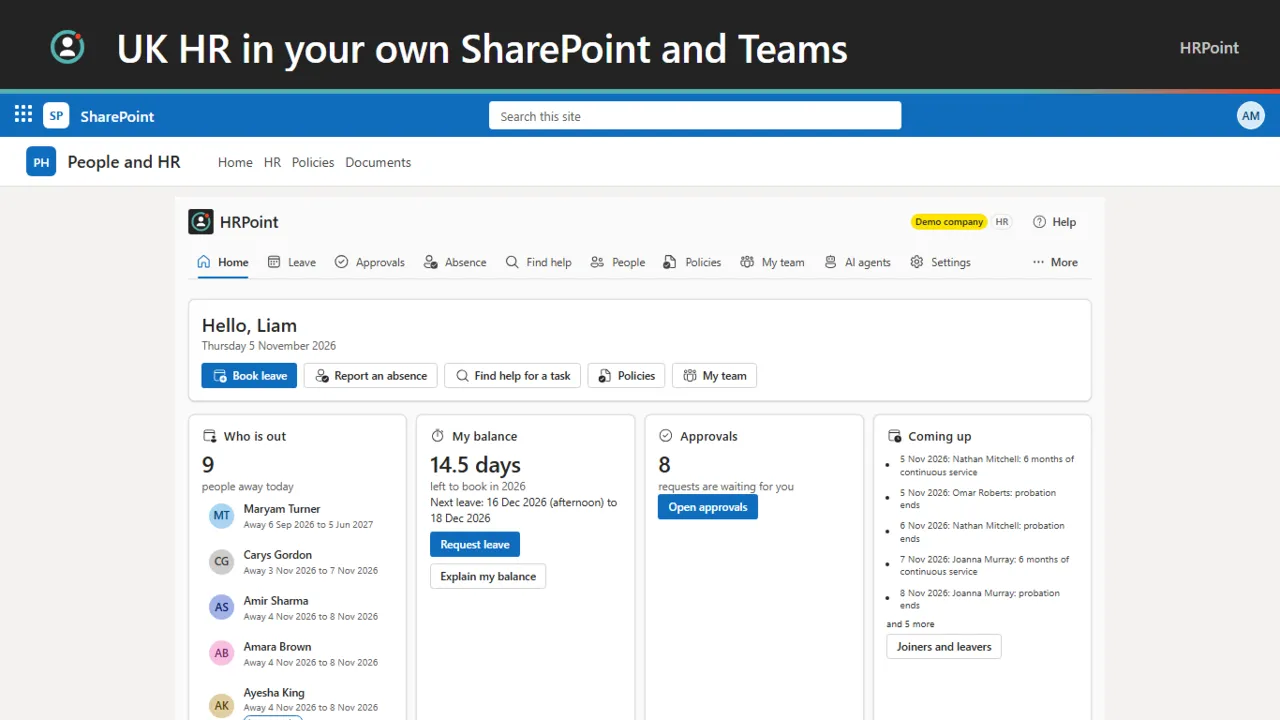
HRPoint keeps right to work records in your own Microsoft 365 tenant: each check with its type, date and checker, copies that cannot be edited, and follow-ups before time-limited permission ends. The check itself is still made by you, with the Home Office service, the original documents or a registered provider, and HRPoint keeps the record and the reminders beside each person's dated employee record.
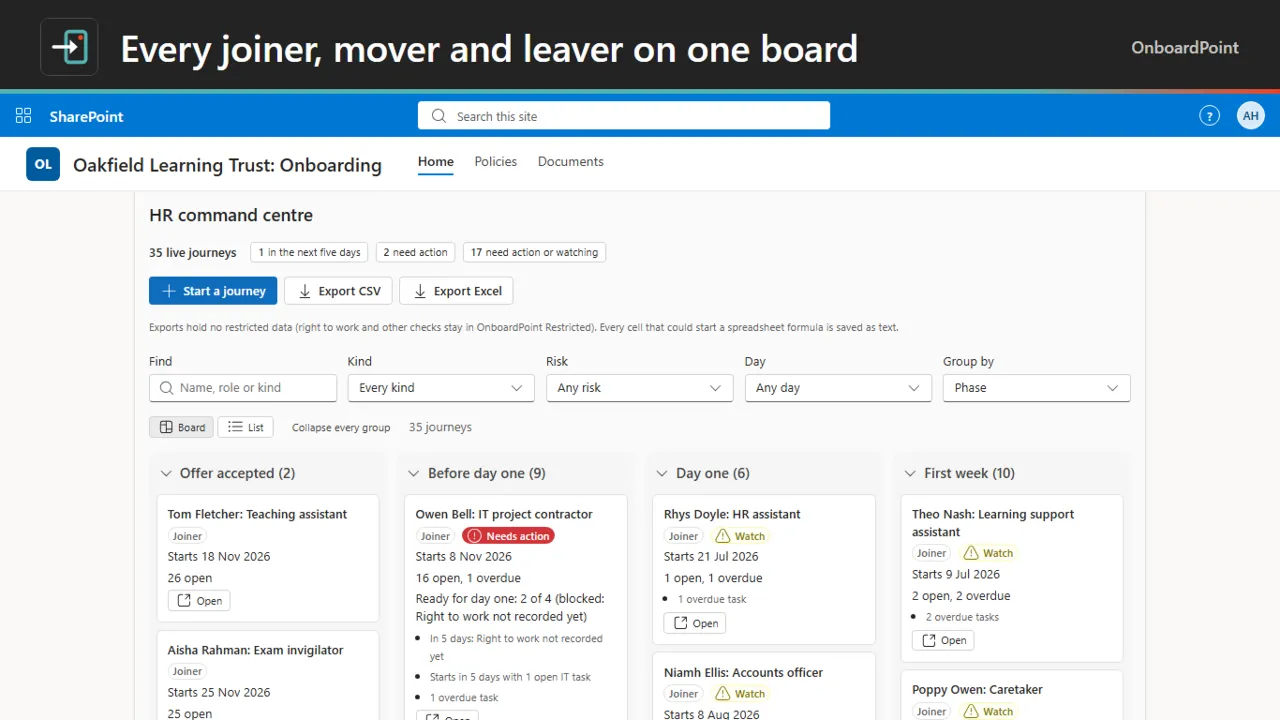
For new starters, OnboardPoint holds the checks that must be done before a start date in its day-one gates, so the right to work check sits with the IT, payroll and manager tasks for each joiner. HRPoint starts at £395 a year with a 14-day free trial, and OnboardPoint at £999 a year with a 14-day free trial.
Sources
Checked on 26 November 2026. Rules and Microsoft 365 features change, so check the source before you rely on a detail.
- GOV.UK: Check a job applicant's right to work
- GOV.UK: Employers' right to work checklist
- GOV.UK: Right to work checks, an employer's guide
- GOV.UK: Illegal working operations, Home Office guidance
- GOV.UK: Penalties for employing illegal workers
- Microsoft Learn: Retention policies and retention labels
- Microsoft Learn: Start retention when an event occurs